
Galas, fundraisers and corporate events
Seating charts for galas, fundraisers and corporate dinners
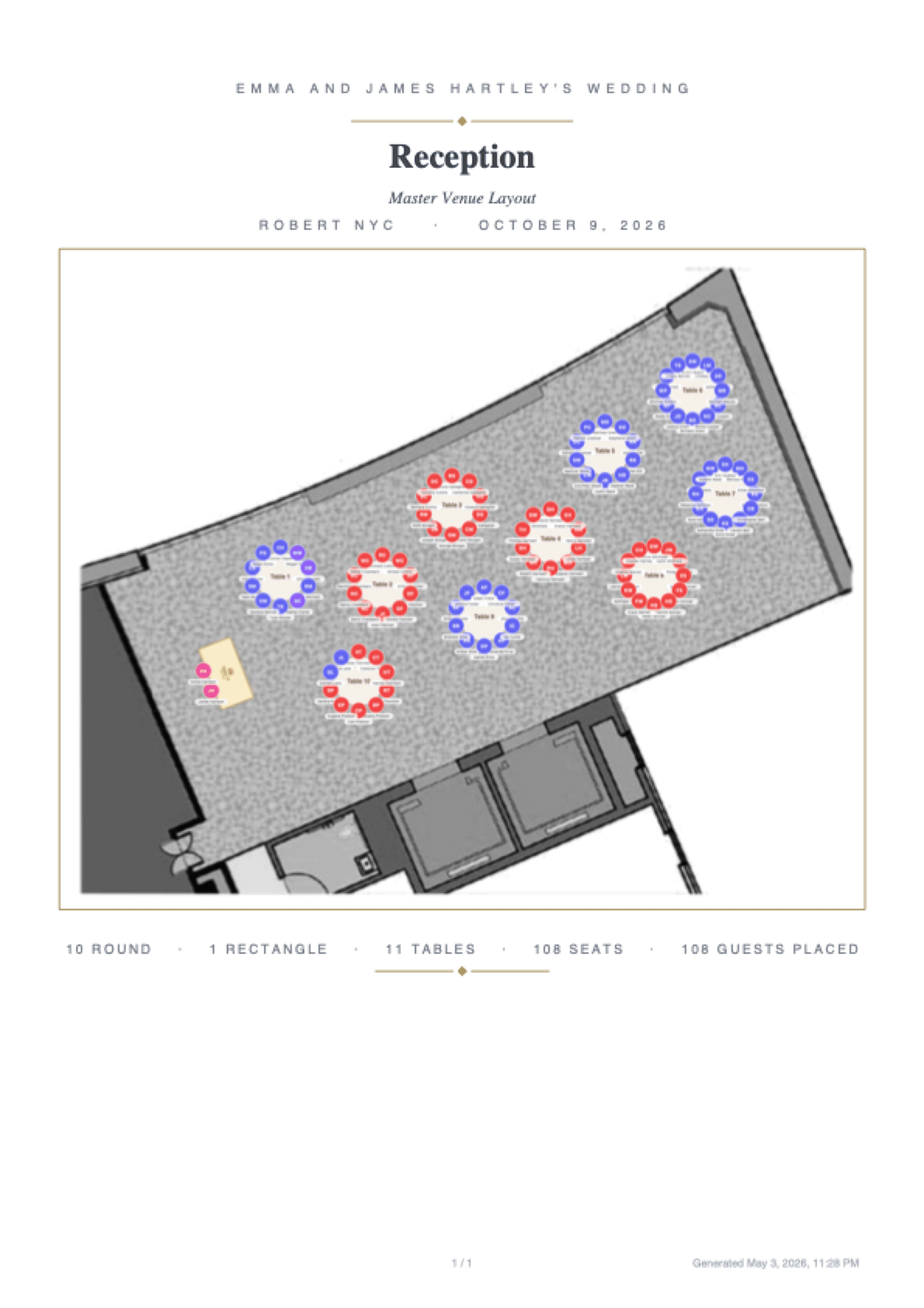
Plasey seats large events on the venue’s own floor plan. Sponsors keep their tables, VIPs sit where the program needs them, and guests who should not share a table are kept apart. At the door, guests find their seat at a kiosk or on their phone, and volunteers check them in from a link.
No account needed. Nothing is saved until you sign up.
How it works
From the run of show to the last seat
- 1
Lay out the room
Upload the ballroom’s floor plan, or start from the venue’s own layout on Plasey. Set the plan’s scale once and every table you add comes in at its real size, numbered as you go.
- 2
Bring in the list
Upload the registration export as a CSV or Excel file, or paste the list, and import it again as registrations change to update the guests already there. A table column fixes sponsors to their tables, and sit-with and keep-apart columns become rules.
- 3
Seat by the rules
Smart Fill keeps companies and households together. With Plasey’s AI, Auto-Seat seats everyone else and checks every rule before it hands the chart back.
- 4
Run the door
A kiosk at registration, a QR code in the program, and volunteers checking guests in on their own phones, with each guest’s table beside their name. Turn on self check-in and guests can tap “I’m here” at the kiosk too.
Built for rooms of hundreds
Sponsor and VIP tablesWith a paid plan
Fix a guest to a table by its name or number, so a sponsor’s table survives every reshuffle.
Keep-apart rulesWith a paid plan
Competitors, former partners, rival departments: keep-apart rules are checked on every chart.
Up to 2,000 guests
A Signature Premier license seats up to 2,000 guests at one event; Studio Enterprise sets its own limits.
Kiosk at registrationWith a paid plan
A tablet seat finder in your event’s design, with an A–Z list and a QR code that hands the seat to the guest’s phone.
Volunteer check-in
Volunteers check guests in from a link, with no account needed, and you watch the arrivals add up.
Reports
A venue layout for the banquet team, a catering report, the escort listing and a VIP briefing.
Questions
- How do you seat a gala?
- Start with the fixed points: the stage, the head table and every sponsor’s table. Seat honorees and VIPs where the program needs them, then fill the remaining tables by company or group, keeping apart the guests who should not sit together. Plasey turns each of those decisions into a rule, and every chart shows when a late change breaks one.
- Can Plasey seat a 1,000-guest event?
- Yes. A Signature Premier license covers one event of up to 2,000 guests, and Studio Enterprise sets custom limits for teams that run many large events.
- Do volunteers need an account to check guests in?
- No. The event owner creates a check-in link and shares it. Volunteers open it on their own phones, search a name, and see the guest’s table and seat as they check them in.
- Can the welcome screen carry sponsor or company branding?
- Yes. The guest display designer puts your names, typography, photos and logo on the guest’s phone, the kiosk and a printed welcome sign. It comes with every paid plan.
- How is Plasey priced for corporate events?
- For one event, a Signature license: $149 for up to 250 guests, $449 for 750, or $999 for 2,000. Teams that run events all year use Studio: Planner at $99 a month, Agency at $249 a month with 5 editor seats, or Enterprise. Viewers, such as the client, are free on every paid plan.
More of what Plasey does
Seat your next event on Plasey.
Free for up to 15 guests · Signature from $149 per event · Studio from $83/mo billed annually, with Plasey’s AI · See plans